
Two ledgers. Your plan bills at Studio → Plan. What fans pay you clears into your own merchant account, itemized at Studio → Money.
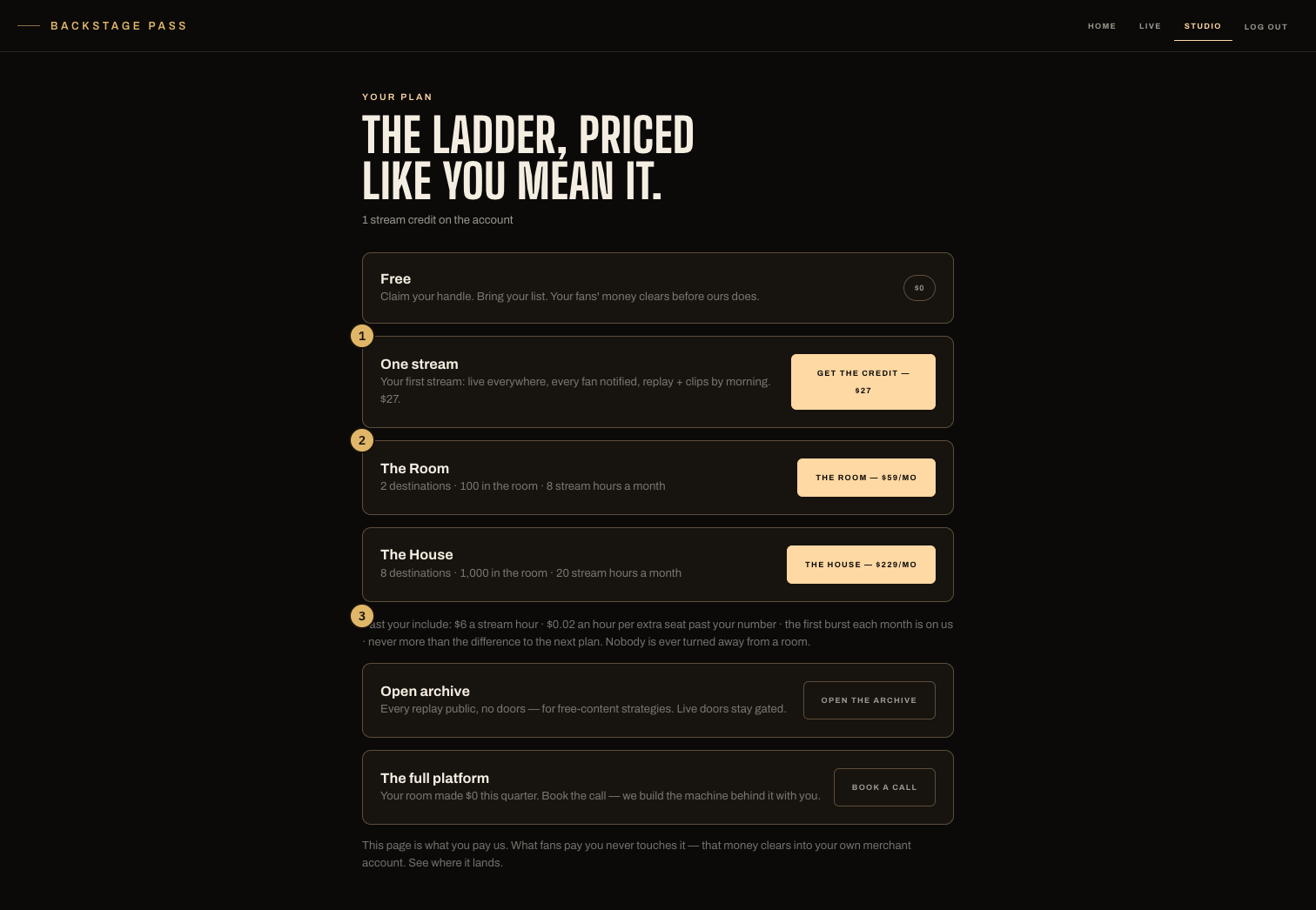
- The two rungs, each with its plain numbers: live hours, destinations, clips, panelists.
- The 30-day trial line — card on file, nothing charged until the trial ends.
- The keep on every sale, printed before payment processing.
The ladder
- The rungs — currently The Room ($97/mo), The House ($297/mo), each carrying its own live hours, destinations, clips and panelist numbers, printed on the card. Both start with 30 days free, card on file — cancel before the trial ends and you pay nothing. Broadcasting into your socials is available in a paid plan.
- Enterprise — a team on it. The page shows a book-a-call card when your room's numbers say you've outgrown the rungs.
Your plan is picked before the studio opens. Cancel during the trial and nothing is charged — the studio closes until you pick a plan again, and everything you made stays on your account.
Hours and room size
Your plan includes a number of live hours a month, printed on its card. When they're spent, going live waits for next month — nothing bills past the wall, and no single show is ever cut off mid-stream for length.
Room size is a number, not a cap: past it, the published rate applies — $0.02 an hour per viewer over your room size. The first overflow live each month is free, and a month's overage is capped at the difference to the next plan. The room is never capped. It accrues on Studio → Meter, live by live, and is not charged yet — no overage invoice exists today.
Leaving a plan
Cancel is one tap on the plan page — paid through stays yours — and the rung keeps working until the period ends. Resume is one tap too. A paid month is never clawed back mid-month; to move down, let the month run out and take the smaller rung after.
What fans pay you
Passes, tickets, tips and drops check out on the web against your own merchant account. You keep 90% on The Room, 95% on The House of every sale, before payment processing. Studio → Money itemizes every live — tips, tickets, drops — with the biller's confirmations underneath and any drift flagged. Payout dates belong to the biller and live in your Whop dashboard.